


Review · Charging · 1 model
Anker 140W 4-Port Charger (A2697) review: one plug for a 16-inch laptop and three more devices
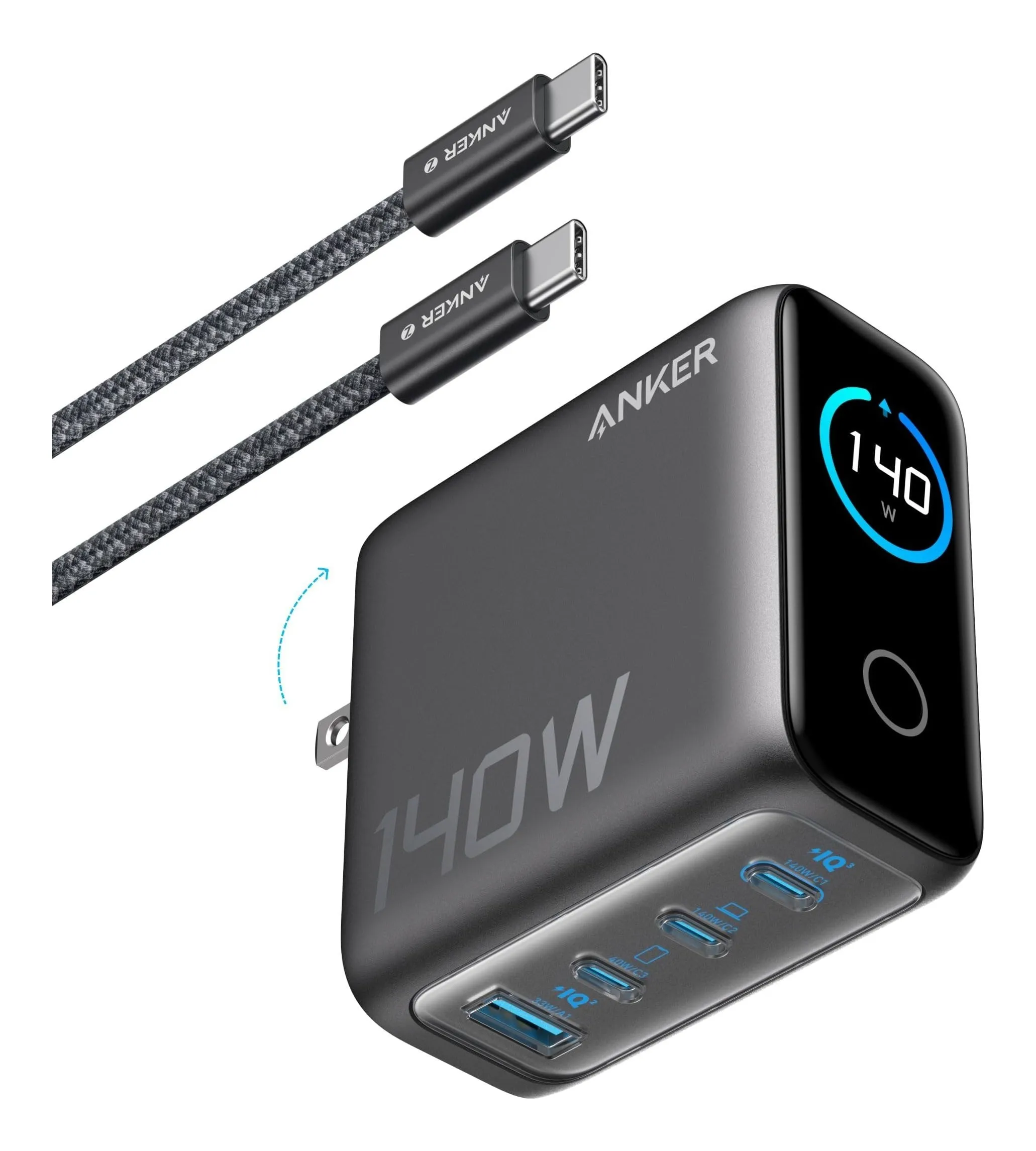
Four ports, 140 W from either of the two top USB-C ports at 28 volts, 40 W from the third, 33 W from the USB-A, and a published 134 W total with all four busy. It is a 2.7-inch cube of 9.7 oz with the cable that 140 W needs in the box. This review is about who needs that much from one wall plug, and who would only be carrying the weight.
Verdict
What it is
the charger reviewed
Anker 140W 4-Port Charger (A2697)
- Max output
- 140 W
- Ports
- 3 USB-C, 1 USB-A
- Per port
- USB-C1/C2 140 W, USB-C3 40 W, USB-A 33 W
- All four in use
- 134 W total
- Weight (charger)
- 9.7 oz
- Width
- 2.7 in
Check price
A GaN wall charger with three USB-C ports and one USB-A. By Anker’s page, USB-C1 and USB-C2 each go up to 140 W at 28 V and 5 A, USB-C3 up to 40 W, the USB-A up to 33 W, and 134 W is the total when all four are in use. It measures 2.72 by 2.72 by 1.42 inches, weighs 9.7 oz on its own and 13.93 oz with the USB-C cable that comes in the box, takes 100–240 V input and has a folding plug.
Strengths
- 140 W to one port — nothing else here does it
- Anker publishes the total with all four ports loaded
- Replaces a 16-in MacBook Pro brick and a phone charger
Limitations
- 9.7 oz, and it hangs heavy on a loose outlet
- Needs a 240 W-rated cable to reach 140 W (one is included)
- Overkill for a 13-in laptop
Good for
- a 16-in MacBook Pro or a gaming-class laptop
- one charger for a family's devices
- a desk charging station
Look elsewhere if
- a light travel bag
- a single phone
The 140-watt port
140 W at 28 volts belongs to USB Power Delivery 3.1, the extended power range. Only a handful of laptops ask for it, and they reach full speed only over a cable rated for 240 W, because an ordinary 100 W cable stops at 20 volts. That is why the cable in the box matters more than it usually does. Every other USB-C device simply takes what it asks for: a MacBook Air draws its usual figure and the rest of the 140 W stays unused. A bigger charger is never harmful to a smaller laptop; it is only heavier.
Four devices at once
The figure worth having is the total. Anker publishes 134 W with all four ports loaded, which tells you the charger does not drop to a token figure the moment a phone joins the laptop. It still divides: two ports rated at 140 W each are not 280 W, and with a phone, a tablet and a watch connected the laptop’s port gets what is left of the 134. Anker lists the per-port ceilings and the four-port total but not every combination in between, so a 140 W laptop working hard with three other devices attached will charge more slowly than it does alone.
Size and weight
2.72 inches square and 1.42 thick, 9.7 oz. That is roughly the weight of two compact 65 W chargers, and on a worn outlet a 9.7 oz block can sag out of the socket. On a desk or a power strip it is a non-issue; in a travel bag it is the heaviest thing in the cable pouch. The 13.93 oz figure includes the cable, which you would carry anyway.
Which laptops it is for
Look at the brick the laptop came with. 140 W: this is one of the few chargers that replaces it fully. 90 to 100 W: it charges at full speed and leaves room for a phone and a tablet. 30 to 70 W: it works, and a smaller charger does the same job in less space. It also earns its place on a shared family desk, where two laptops at reduced speed, a phone and a watch can run from one outlet instead of four.
What it does not do
It does not make a 65 W laptop charge faster than 65 W, and it does not deliver 140 W through an ordinary cable. It is not a pocket charger. And four devices share 134 W; they do not get 140 each.
Strengths
- 140 W to one port — nothing else here does it
- Anker publishes the total with all four ports loaded
- Replaces a 16-in MacBook Pro brick and a phone charger
Limitations
- 9.7 oz, and it hangs heavy on a loose outlet
- Needs a 240 W-rated cable to reach 140 W (one is included)
- Overkill for a 13-in laptop
Good for
- a 16-in MacBook Pro or a gaming-class laptop
- one charger for a family's devices
- a desk charging station
Look elsewhere if
- a light travel bag
- a single phone
Who should buy it
A 16-inch MacBook Pro or other 140 W laptop owner who wants one charger instead of two; a desk with a laptop, a tablet, a phone and a watch; a family charging station; anyone replacing a power strip full of bricks with a single outlet.
Who should not
A 13- or 14-inch laptop user who travels light; a phone-only household; anyone whose outlets are loose enough that a 9.7 oz block will not stay in the wall.
Sources
Facts checked November 3, 2026
- Anker — Charger (140W, 4-Port, PD 3.1) product page — Manufacturer documentation, checked October 10, 2026
- Retail listing (Anker) — Retailer listing, checked October 10, 2026
Will it charge a 16-inch MacBook Pro at full speed?
Anker states 140 W from USB-C1 or USB-C2 at 28 V and 5 A, which is what a 140 W laptop asks for. It needs a USB-C cable rated for 240 W to carry 28 volts; Anker includes a USB-C cable in the box. Plugged into USB-C3, which tops out at 40 W, the same laptop charges slowly.
What does each port get with all four in use?
Anker publishes the ceilings — 140, 140, 40 and 33 W — and a total of 134 W with all four ports loaded. It does not publish every split in between, so a laptop sharing with a tablet, a phone and a watch gets less than 140 W. Plan on the laptop slowing down while everything else charges.
Can it charge two laptops at once?
Yes, from USB-C1 and USB-C2, each at less than its maximum, because the whole charger shares 134 W with every port busy and Anker does not publish the two-laptop split. Two 13-inch laptops are a reasonable load; two 16-inch laptops working hard will charge slowly.
How heavy is it?
9.7 oz for the charger alone by Anker's support page, and 13.93 oz with the cable by its product page. That is the heaviest charger on our compact shortlist, about twice a three-port 65 W charger. On a desk it does not matter; on a loose hotel outlet it can.
Related reading
Shortlist · Charging
Best compact USB-C chargers: six from 30 to 140 watts, by what each port actually gets
The watt figure on a charger is what one port gets when nothing else is plugged in. Plug in a second device and some chargers drop to 15 W shared, some publish a split, and some leave you to find out. Six compact GaN chargers from UGREEN, Belkin and Anker, 30 to 140 W, compared on total output, the published split, ports, size and weight from the makers.
Comparison · Charging
65 W or 100 W for a laptop and a phone? UGREEN Nexode 65W vs Anker 100W 3-Port
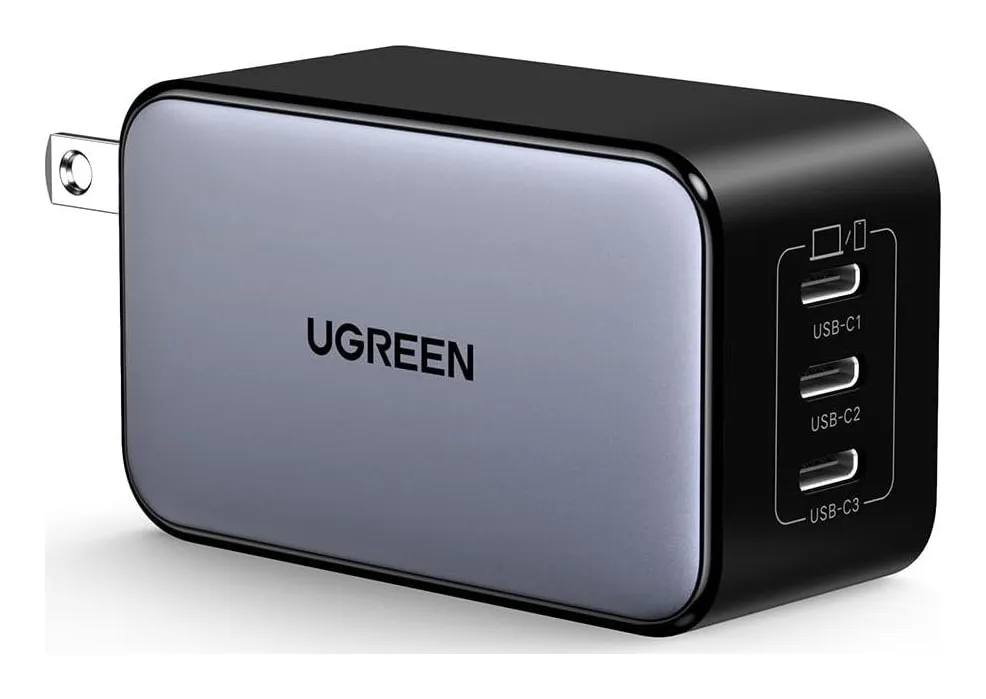
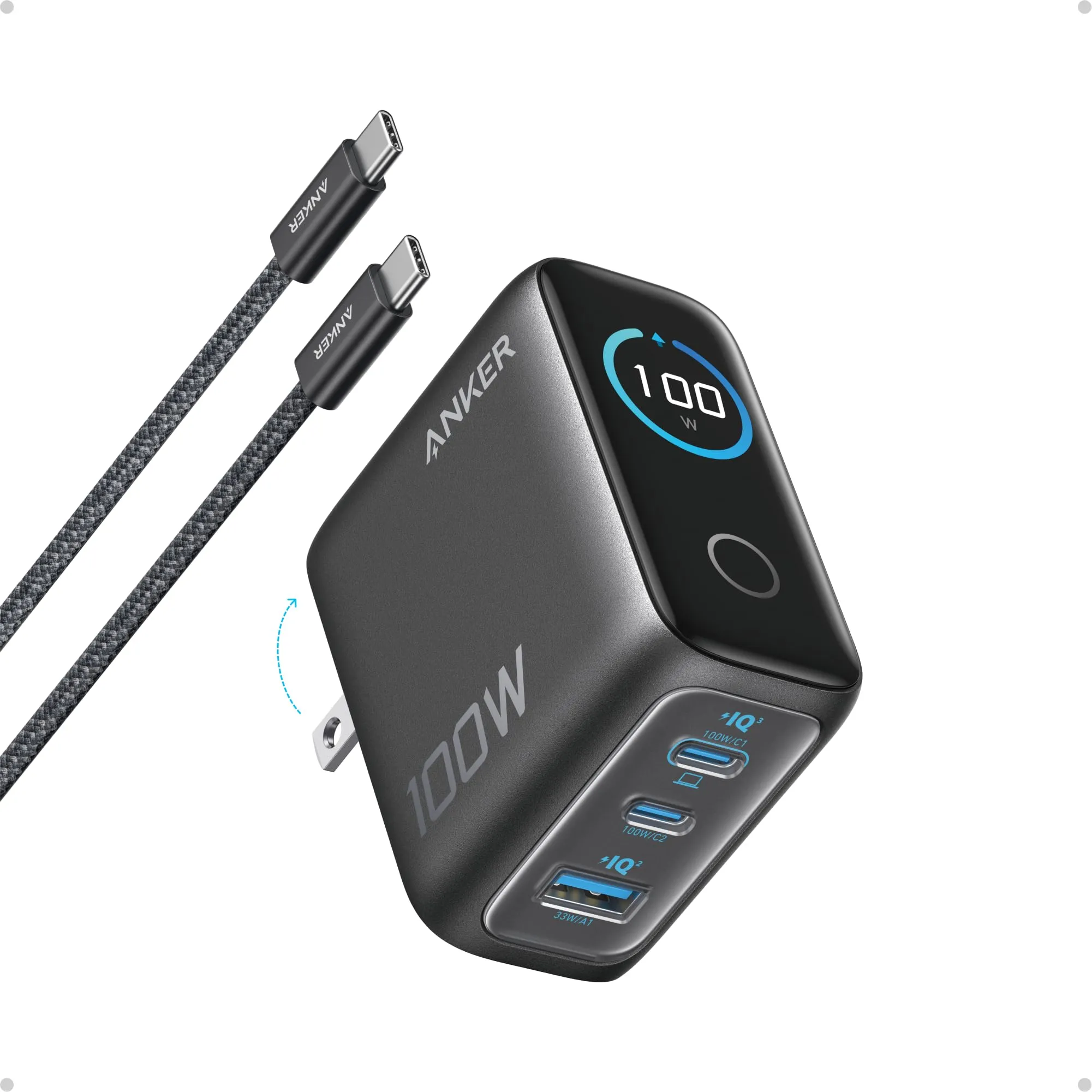
Both chargers have two USB-C ports and a USB-A, fold their prongs and fit a jacket pocket. One gives a single port 65 W and weighs 4.6 oz; the other gives 100 W, weighs 7.5 oz and has a screen. Which one to carry depends on one fact — the laptop's own wattage — and on what happens to the laptop when the phone is plugged in beside it, which only one of the two makers says.
Guide · Charging
Watts, PD, PPS and cables: how to read a USB-C charger before you buy one
A USB-C charger's box says 65 W and the phone charges at 18. The reasons are all on the spec sheet if you know which lines to read: the voltage profiles, the PPS range, what the ports share, and whether the cable can carry it. This guide explains each in plain terms, with four chargers and a power bank as worked examples from the makers' own figures.