


Comparison · Charging · 2 models
65 W or 100 W for a laptop and a phone? UGREEN Nexode 65W vs Anker 100W 3-Port
Both chargers have two USB-C ports and a USB-A, fold their prongs and fit a jacket pocket. One gives a single port 65 W and weighs 4.6 oz; the other gives 100 W, weighs 7.5 oz and has a screen. Which one to carry depends on one fact — the laptop's own wattage — and on what happens to the laptop when the phone is plugged in beside it, which only one of the two makers says.
Quick answer
Side by side
| Model | Max output | Ports | Weight | Width | Depth | Height | Where to buy |
|---|---|---|---|---|---|---|---|
| UGREEN Nexode 65W 3-Portthe 65 W, 4.6 oz one | 65 W | 2 USB-C, 1 USB-A | 4.6 oz | 2 in | 1.8 in | 2.2 in | View listing |
| Anker 100W 3-Port Charger with Smart Display (B121B)the 100 W, 7.5 oz one with a screen | 100 W | 2 USB-C, 1 USB-A | 7.5 oz | 2.2 in | 1.3 in | 2.7 in | View listing |
Scroll sideways to see every column
Both makers give dimensions and weight on their own pages; UGREEN’s are converted from millimetres and grams. Neither page states the three-device split, so the table shows the single-port maximum and the text works out the rest.
What each one is
the 65 W, 4.6 oz one
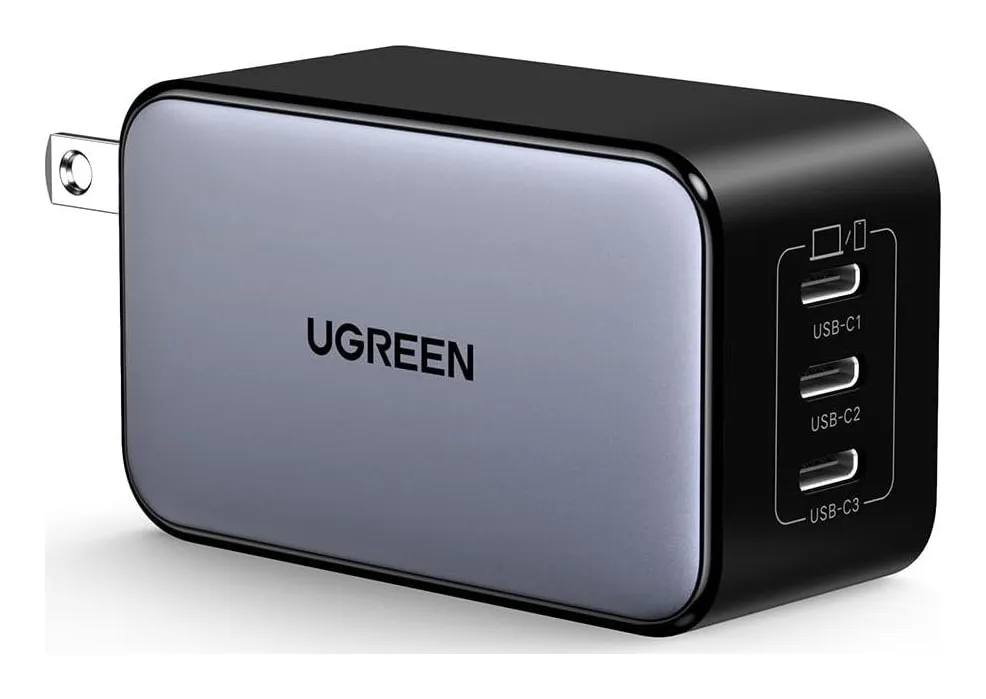
UGREEN Nexode 65W 3-Port
- Max output
- 65 W
- Ports
- 2 USB-C, 1 USB-A
- Weight
- 4.6 oz
- Width
- 2 in
- Depth
- 1.8 in
- Height
- 2.2 in
Check price on Amazon
Sixty-five watts from one USB-C port, with a second USB-C and a USB-A, folding prongs, 100–240 V input, 2 by 1.8 by 2.2 inches and 4.6 oz. It is the charger that replaces a MacBook Air’s or a 13-inch Windows laptop’s brick and adds two ports for the phone and the watch.
Strengths
- 65 W runs a MacBook Air or most 13-in laptops
- Three ports, 4.6 oz
- Folding prongs
Limitations
- UGREEN's US page does not publish the exact split when all three ports are used
- Not enough for a 16-in MacBook Pro under load
- Blocks the neighboring outlet on some strips
Good for
- a laptop plus phone in one bag
- replacing a 61 W Apple brick
- a hotel desk with one outlet
Look elsewhere if
- a 100 W laptop
- charging two laptops
the 100 W, 7.5 oz one with a screen
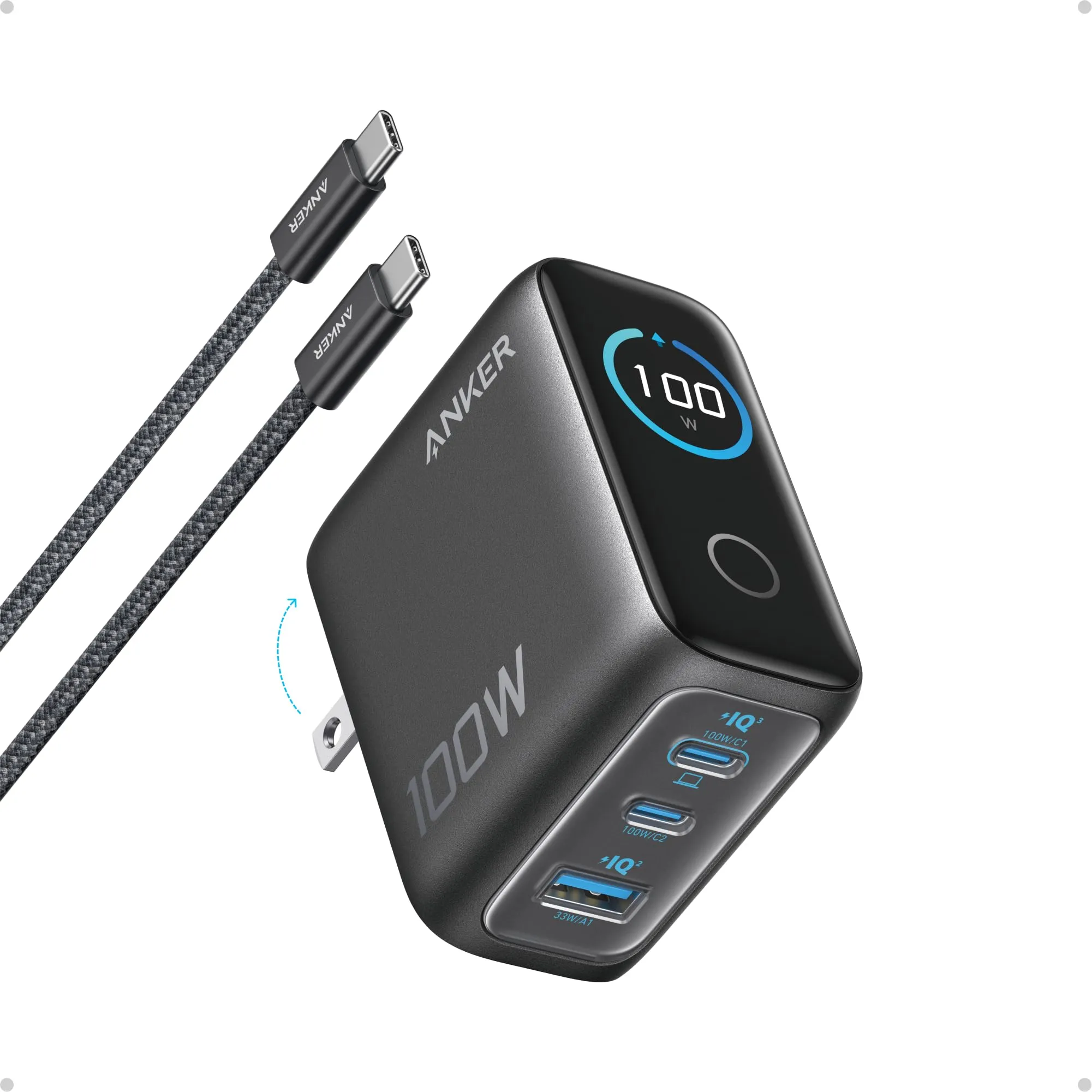
Anker 100W 3-Port Charger with Smart Display (B121B)
- Max output
- 100 W
- Ports
- 2 USB-C, 1 USB-A
- Weight
- 7.5 oz
- Width
- 2.2 in
- Depth
- 1.3 in
- Height
- 2.7 in
Check price on Amazon
A hundred watts from either USB-C port, up to 33 W from the USB-A, folding prongs, a display that shows power and temperature per port, 2.2 by 1.3 by 2.7 inches, 7.5 oz, and a 100 W-rated USB-C cable in the box. It is the charger for a 16-inch MacBook Pro or a 90–100 W Windows laptop.
Strengths
- 100 W to a single USB-C port
- The display tells you what the laptop is actually drawing
- Cable included
Limitations
- 7.5 oz — twice the 65 W chargers
- The display is a party trick after the first week
- Splits down when three devices share
Good for
- a 15–16 in laptop plus a phone
- one charger for everything on a trip
- anyone curious about real charging rates
Look elsewhere if
- a phone-only user
- a slim travel kit
The laptop decides
Look at the brick the laptop came with. 30 to 65 W: the UGREEN charges it at full speed and the extra 35 W of the Anker does nothing. 90 to 140 W: the UGREEN keeps the laptop from draining under light use and charges it slowly; the Anker charges it. The 14-inch MacBook Pro sits in between — it ships with 70 or 96 W and runs on 65 W with the battery falling under heavy load.
The phone beside it
With two devices the charger divides its budget, and here is where the two differ in honesty rather than in watts. Anker states 100 W on USB-C and 33 on USB-A as per-port maximums; UGREEN’s US page for the Nexode 65 states nothing for the three-port case. Assume the phone takes 20 W: the laptop gets about 45 W from the UGREEN and about 80 from the Anker. For a 13-inch laptop, 45 W is enough; for a 16-inch, 80 is the difference between charging and holding.
Weight and the outlet
The Anker is 2.9 oz heavier and taller, and 100 W GaN chargers hang on a loose outlet. In a bag the difference is a phone’s worth of weight; on a hotel nightstand it is whether the charger stays in the wall. The UGREEN’s 2-inch width blocks the neighboring outlet on some strips; the Anker’s 2.2 does too.
The cable and the screen
The Anker needs its 5 A cable to reach 100 W and includes one; the UGREEN reaches 65 W on any USB-C cable. The Anker’s screen shows the draw per port, which settles the question of whether the laptop is really charging and then becomes decoration.
Which one, by laptop
- MacBook Air, 13-inch Windows, Chromebook: UGREEN 65W.
- 14-inch MacBook Pro, light use: UGREEN 65W; under load, Anker 100W.
- 16-inch MacBook Pro, 90–100 W Windows laptop: Anker 100W.
- Two laptops at once: neither; the Anker 140W four-port on our shortlist.
- Phone and tablet only: neither; a 30 W charger.
Sources
Facts checked October 10, 2026
- UGREEN — Nexode 65W 3-port GaN charger product page — Manufacturer documentation, checked October 10, 2026
- Amazon listing (UGREEN) — Retailer listing, checked October 10, 2026
- Anker — Charger (100W, 3 Ports, Smart Display) product page — Manufacturer documentation, checked October 10, 2026
- Amazon listing (Anker) — Retailer listing, checked October 10, 2026
Is 65 W enough for my laptop?
For a MacBook Air, a 13-inch Windows laptop or anything that shipped with a 60–65 W brick, yes. For a 14-inch MacBook Pro it charges, slowly under load. For a 16-inch MacBook Pro or a laptop that shipped with a 90–100 W brick, no; that is the 100 W charger's job.
What does the laptop get when the phone is plugged in?
Anker publishes the maximum per port — 100 W on USB-C, 33 W on USB-A — and the charger splits down when ports share; UGREEN's US page for the Nexode 65 W publishes no split for the three-port case. With both, assume the phone takes about 20 W and the laptop gets the rest: around 45 W from the UGREEN, around 80 from the Anker.
Does the 100 W need a special cable?
Yes: a 5 A cable rated for 100 W, which Anker includes. A standard cable caps it at 60 W with no warning. The 65 W charger works with any USB-C cable.
Is the display useful?
It shows what each port is drawing and the charger's temperature. It answers the question of whether the laptop is really getting its watts, which is the one question these chargers raise; after that it is decoration. It is not a reason to buy the 100 W over the 65 W.
Related reading
Shortlist · Charging
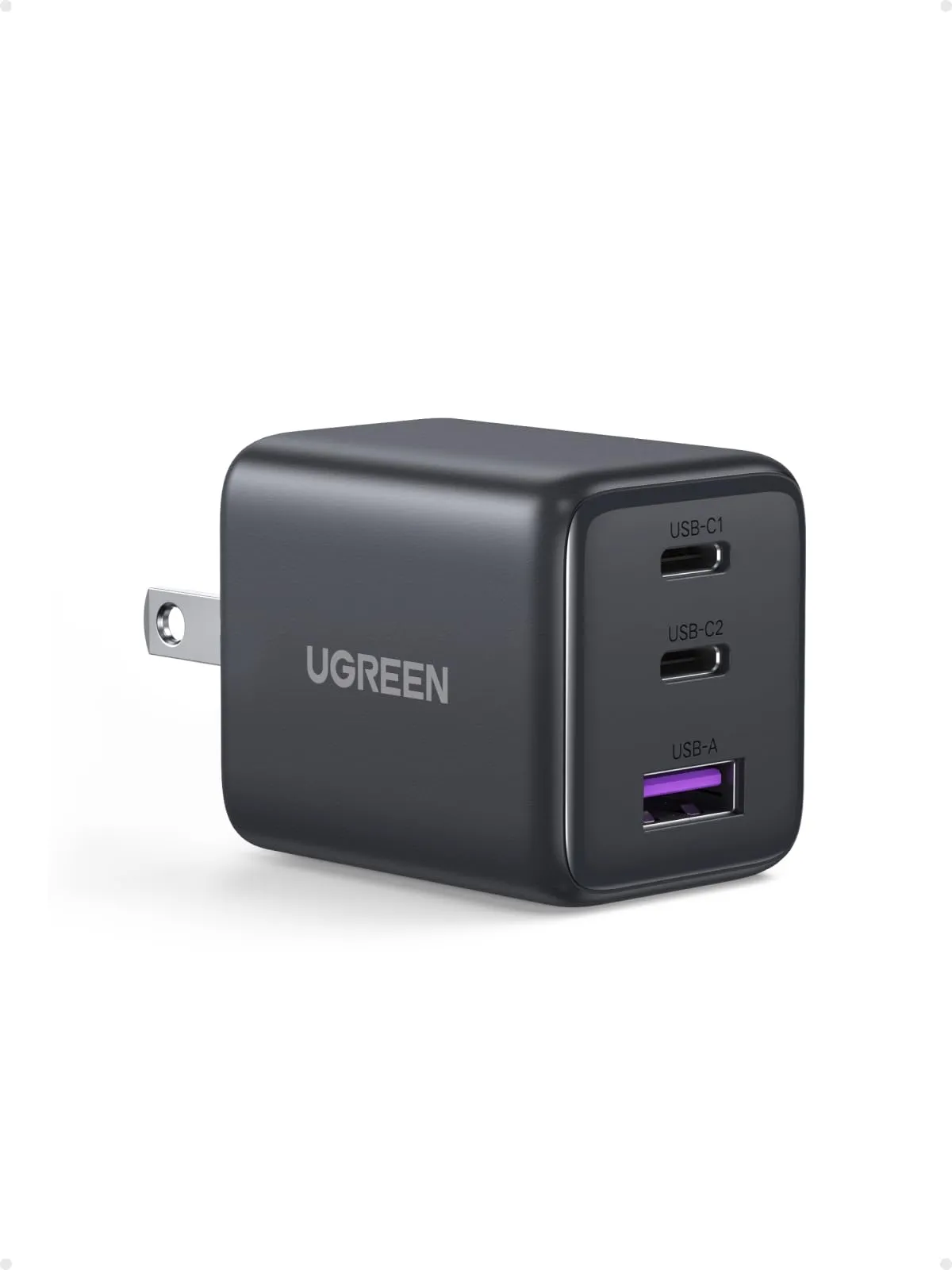
Best compact USB-C chargers: six from 30 to 140 watts, by what each port actually gets
The watt figure on a charger is what one port gets when nothing else is plugged in. Plug in a second device and some chargers drop to 15 W shared, some publish a split, and some leave you to find out. Six compact GaN chargers from UGREEN, Belkin and Anker, 30 to 140 W, compared on total output, the published split, ports, size and weight from the makers.
Guide · Charging
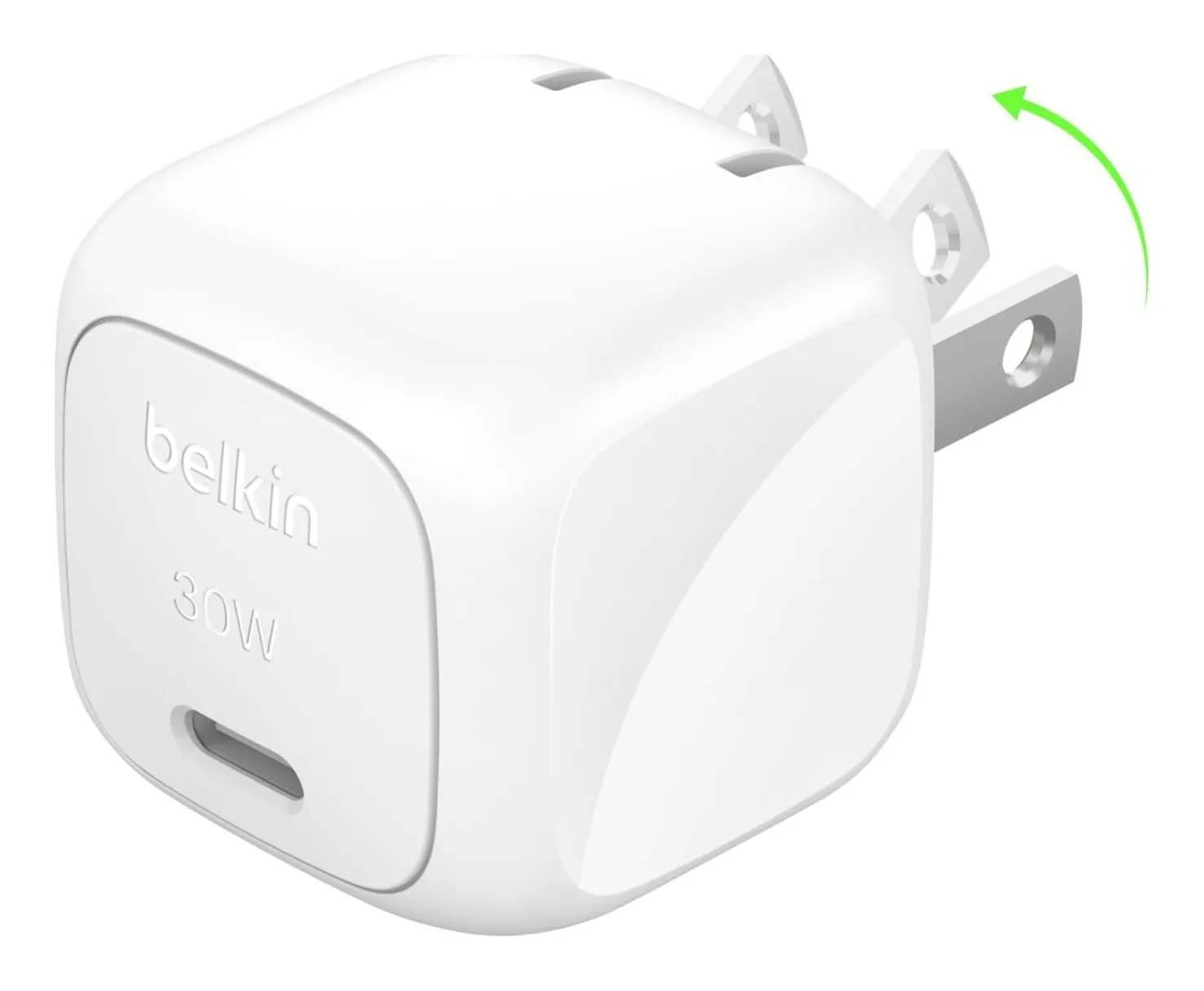
Watts, PD, PPS and cables: how to read a USB-C charger before you buy one
A USB-C charger's box says 65 W and the phone charges at 18. The reasons are all on the spec sheet if you know which lines to read: the voltage profiles, the PPS range, what the ports share, and whether the cable can carry it. This guide explains each in plain terms, with four chargers and a power bank as worked examples from the makers' own figures.