


Comparison · Home office · 2 models
Monitor light bar vs desk lamp: BenQ ScreenBar Pro against a 750-lumen Lepro, for a home desk
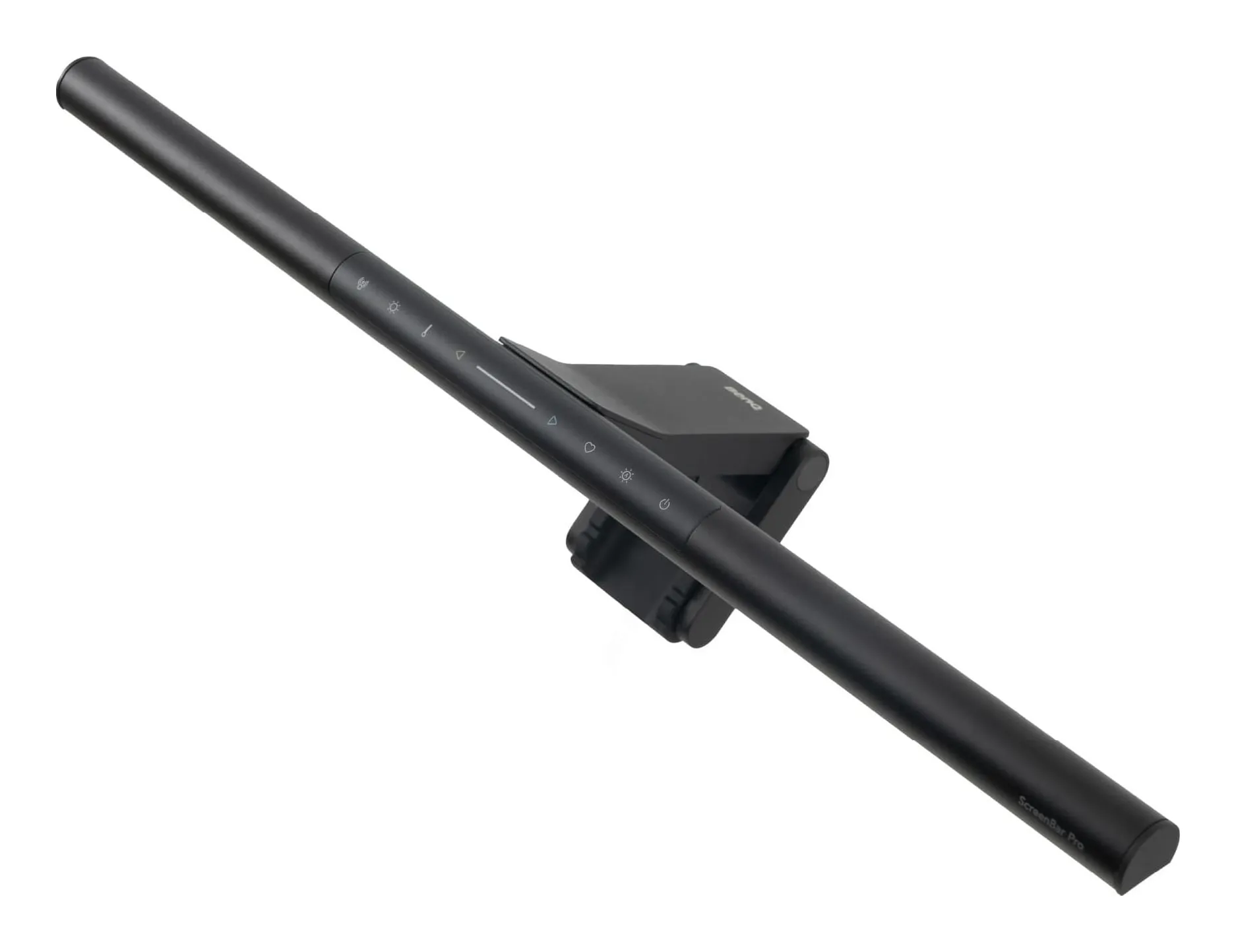
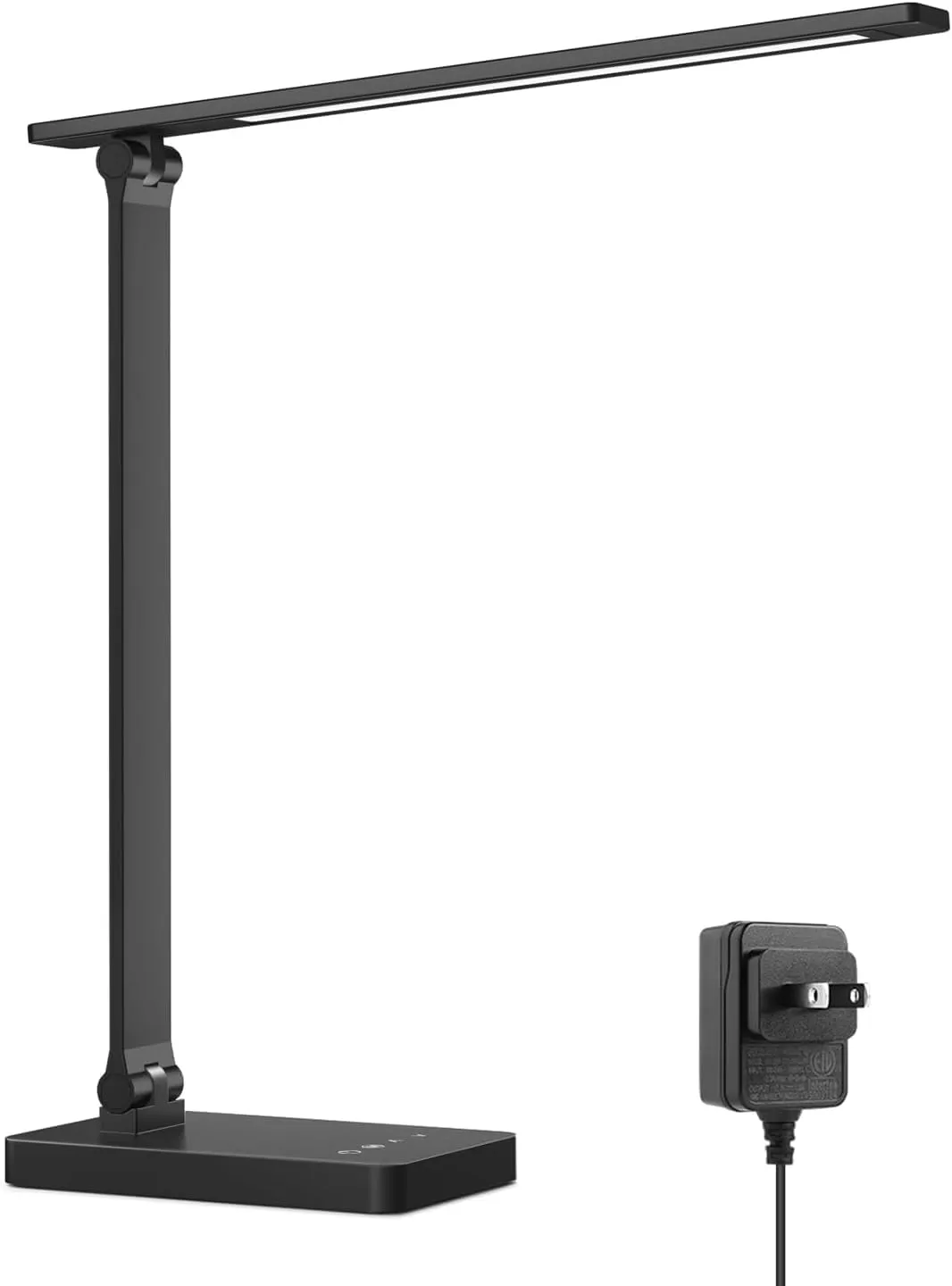
A light bar sits on top of the monitor, lights the desk to 500 lux and puts nothing on the screen; a desk lamp sits on the desk, lights whatever you point it at, and costs a quarter as much. One takes no space and needs a monitor; the other takes a corner and works with a laptop. The right answer depends on what is on the desk, and this comparison uses the makers' own figures for both.
Quick answer
Side by side
| Model | Color temperature | Brightness levels | Power | Width | Height | Where to buy |
|---|---|---|---|---|---|---|
| BenQ ScreenBar Prothe light bar | 2700–6500 (8 steps) K | 16 | 8.5 max, USB-C W | 19.7 in | No confirmed data | View listing |
| Lepro Touch Desk Lamp 750 lmthe desk lamp | 3000 / 3500 / 4000 / 5000 / 6500 K | 5 | 9.5 W | No confirmed data | 15.1 in | View listing |
Scroll sideways to see every column
BenQ publishes illuminance (500 lx over the work area, over 1,000 lx at 50 cm) rather than lumens, so the brightness cells are not directly comparable and are left to the text. Lepro’s weight and depth are listing figures, marked pending; its height is Lepro’s own.
What each one is
the light bar
BenQ ScreenBar Pro
- Color temperature
- 2700–6500 (8 steps) K
- Brightness levels
- 16
- Power
- 8.5 max, USB-C W
- Width
- 19.7 in
Check price on Amazon
A 19.7-inch bar that clamps on top of a monitor between 0.17 and 2.56 inches thick, flat or curved, and lights a 33.5 by 19.7 inch area to 500 lx in eight color temperatures from 2700 to 6500 K and 16 brightness steps, with a color fidelity of Rf above 96 and an ultrasonic sensor that turns it on when you sit down. It draws up to 8.5 W over USB-C.
Strengths
- Takes no desk space at all
- 500 lx calibrated across the work area, by BenQ's own figure
- Presence sensor — no switch to find
Limitations
- Needs a USB-C supply of 1.7 A; a laptop port may not be enough
- Only lights the desk, not your face for video calls
- Costs as much as two good desk lamps
Good for
- a monitor on a desk under 40 in wide
- night work with the room lights off
- anyone whose lamp currently reflects in the screen
Look elsewhere if
- a laptop-only desk with no monitor
- lighting your face on calls
the desk lamp
Lepro Touch Desk Lamp 750 lm
- Color temperature
- 3000 / 3500 / 4000 / 5000 / 6500 K
- Brightness levels
- 5
- Power
- 9.5 W
- Height
- 15.1 in
Check price on Amazon
A folding desk lamp giving 750 lm from 9.5 W in five color temperatures from 3000 to 6500 K and five brightness steps, with touch controls that remember the last setting, 15.1 inches tall, and a plastic base; the listing gives 13.4 inches of depth and 1.7 lb. It runs from a 12 V adapter.
Strengths
- 750 lm from under 10 W
- Five color temperatures from warm to daylight
- Folds flat for a drawer
Limitations
- Plastic base, and it slides if the cord is tugged
- Lepro does not state the CRI
- 12 V adapter — one more brick under the desk
Good for
- a first proper desk lamp
- reading and paperwork
- a bedroom desk shared with sleep
Look elsewhere if
- color-critical work
- lighting a face for calls
Glare
This is the reason the light bar exists. Its beam is shaped to fall on the desk in front of the monitor and not on the screen, and BenQ’s page describes exactly that. A desk lamp placed beside the monitor at eye height reflects in it; placed above eye level and aimed at the page, it does not. The bar removes the placement problem; the lamp makes it yours.
Footprint and power
The bar takes no desk space and one USB-C port, which has to supply about 1.7 A — a monitor’s USB port may not, a wall charger will. The lamp takes a corner of the desk, roughly 13 inches deep by the listing, and a 12 V brick on the strip. On a desk under 24 inches deep that corner is the keyboard’s.
Light quality
BenQ states a color fidelity figure of Rf above 96 and a stated illuminance; Lepro states lumens and watts and nothing about color rendering. For print, fabric or a second screen’s calibration the BenQ is the one with a number behind it; for reading and typing the difference is not visible.
Price
The ScreenBar Pro costs about four Lepro lamps. The difference buys zero footprint, the beam shape, the sensor and the fidelity figure. For a monitor desk that is used every day, it is a fair trade; for a laptop desk it buys nothing, because it cannot be mounted.
Which one, by desk
- Monitor, daily use, glare bothers you: ScreenBar Pro.
- Laptop only: Lepro — the bar will not mount.
- Paperwork and reading, tight budget: Lepro.
- Color-critical work: ScreenBar Pro.
- Video calls: neither; a clamp arm with a flat head.
Sources
Facts checked October 10, 2026
- BenQ — ScreenBar Pro monitor light product page — Manufacturer documentation, checked October 10, 2026
- Amazon listing (BenQ) — Retailer listing, checked October 10, 2026
- Lepro — touch-control LED desk lamp product page — Manufacturer documentation, checked October 10, 2026
- Amazon listing (Lepro) — Retailer listing, checked October 10, 2026
Why does a desk lamp glare in the monitor?
Because a lamp beside or behind you at eye height reflects in the glass. A light bar aims down and forward from the top of the monitor, so the light reaches the desk and not the screen; BenQ's page describes that asymmetric beam as the point of the design. A desk lamp avoids glare only if it is placed above eye level and aimed at the desk.
How bright is each?
They state it differently. BenQ gives illuminance: over 1,000 lx at 50 cm and 500 lx across a 33.5 by 19.7 inch area. Lepro gives output: 750 lm from 9.5 W, which at 15 inches from the page is in the same region. For reading and typing both are enough; for color work BenQ states a fidelity figure of Rf above 96 and Lepro states none.
Can a light bar work with a laptop?
No. It clamps on a monitor between 0.17 and 2.56 inches thick; a laptop lid is too thin and too low. A laptop-only desk needs a lamp, and a laptop with a monitor beside it can use the bar.
Which is better for video calls?
Neither lights your face: the bar aims at the desk by design and the Lepro's head is above and behind the page. For calls you want a light at eye level in front of you, which is a clamp arm with a flat head, not either of these.
Related reading
Shortlist · Home office
Best desk lamps for a home office: a monitor bar, a clamp arm for calls and three folding lamps, on the makers' lumens
A desk lamp does one of three jobs: lights the paperwork, lights the keyboard without glaring in the monitor, or lights your face for calls. No single lamp does all three. Five picks — a monitor light bar, a clamp arm with a swiveling head, two folding lamps and a USB gooseneck — compared on lumens, color temperature, power and footprint from the makers.
Guide · Home office
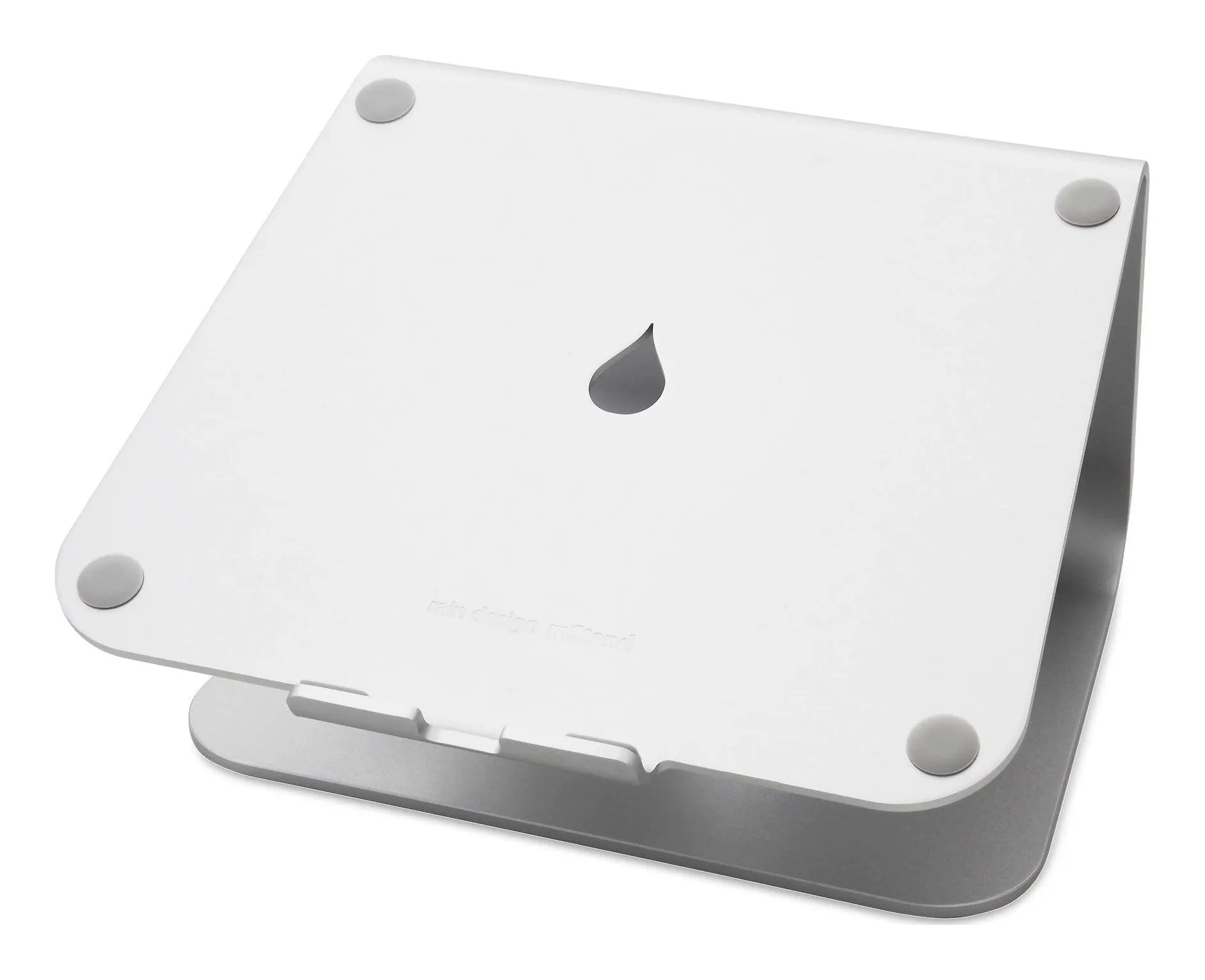
How to set up a small desk: screen height, light that does not glare, and where the keyboard goes
A small desk fails in a fixed order: the laptop screen is too low, so you hunch; the lamp is in the wrong place, so it glares; the keyboard has nowhere to go, so the stand comes off again. This guide fixes the three in order, with the measurements that matter and four products as worked examples — a fixed stand, a travel stand, a monitor bar and a clamp lamp that take no desk space.