


Review · Home office · 1 model
BenQ ScreenBar Pro review: the monitor light that knows when you sit down, on BenQ's figures
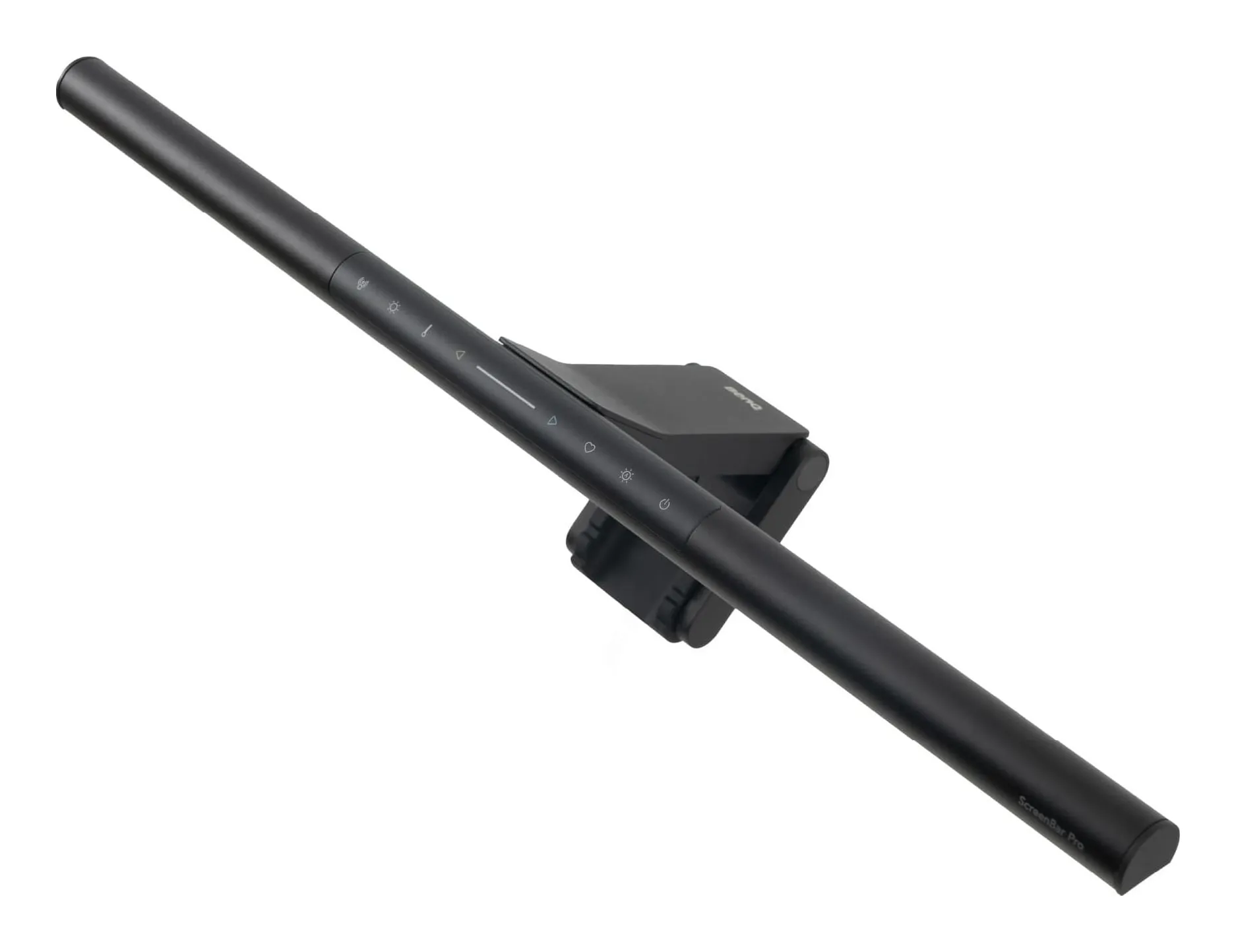
A 19.7-inch bar that clamps on top of the monitor, lights a 33 by 20 inch desk to 500 lux with none of it on the screen, offers eight color temperatures and sixteen brightness steps, and switches itself on when an ultrasonic sensor sees you sit down. It costs as much as two good desk lamps. This review is about what the money buys and the two things it does not do.
Verdict
What it is
the light bar reviewed
BenQ ScreenBar Pro
- Color temperature
- 2700–6500 (8 steps) K
- Brightness levels
- 16
- Power
- 8.5 max, USB-C W
- Width
- 19.7 in
Check price on Amazon
A 19.7-inch LED bar that clamps on top of a monitor between 0.17 and 2.56 inches thick, flat or curved, and lights the desk in front of the screen to a stated 500 lx across 33.5 by 19.7 inches, with over 1,000 lx at 50 cm directly below. Eight color temperatures from 2700 to 6500 K, sixteen brightness steps, a color fidelity of Rf above 96, an ultrasonic presence sensor, and a maximum draw of 8.5 W over USB-C, all from BenQ’s page.
Strengths
- Takes no desk space at all
- 500 lx calibrated across the work area, by BenQ's own figure
- Presence sensor — no switch to find
Limitations
- Needs a USB-C supply of 1.7 A; a laptop port may not be enough
- Only lights the desk, not your face for video calls
- Costs as much as two good desk lamps
Good for
- a monitor on a desk under 40 in wide
- night work with the room lights off
- anyone whose lamp currently reflects in the screen
Look elsewhere if
- a laptop-only desk with no monitor
- lighting your face on calls
The beam
The reason a light bar exists is the shape of its light. A desk lamp beside the monitor reflects in the glass; the ScreenBar Pro’s optics aim the light down and forward, so it reaches the desk and the keyboard and stops short of the screen. BenQ states the lit area and the illuminance, which is more than most lamp makers state about anything. For reading a printed page beside the keyboard at night with the room lights off, it is the right light.
The sensor
Ultrasonic presence detection: sit down and it comes on, leave and it goes off. It sounds like a gimmick and is the opposite — a control on top of a monitor is the one you never reach for, and the sensor means you never have to. The brightness and color temperature are set once and remembered.
Color
BenQ states Rf above 96, a color fidelity figure that is the modern equivalent of a high CRI. If the desk is used for print, fabric or judging a second screen’s calibration, that number is the reason to choose this over a lamp that states none. For typing it is invisible.
Power
Up to 8.5 W over USB-C, needing about 1.7 A. The catch is where that comes from: many monitors’ USB ports supply less, and a laptop port may not either. A wall charger on the strip solves it and adds a cable.
Fit
Monitors with a top edge between 0.17 and 2.56 inches thick, flat or curved. A webcam on the top edge competes for the space. A laptop cannot carry it.
What it does not do
It does not light your face. The beam that keeps light off the screen also keeps it off you, so on a call the room’s light is your light. And it does nothing for a laptop-only desk. Both are jobs for a clamp arm with a flat, swiveling head.
Strengths
- Takes no desk space at all
- 500 lx calibrated across the work area, by BenQ's own figure
- Presence sensor — no switch to find
Limitations
- Needs a USB-C supply of 1.7 A; a laptop port may not be enough
- Only lights the desk, not your face for video calls
- Costs as much as two good desk lamps
Good for
- a monitor on a desk under 40 in wide
- night work with the room lights off
- anyone whose lamp currently reflects in the screen
Look elsewhere if
- a laptop-only desk with no monitor
- lighting your face on calls
Who should buy it
A monitor desk used daily, a small desk with no corner for a lamp, night work with the room lights off, color-aware work, and anyone whose lamp currently reflects in the screen.
Who should not
A laptop-only desk; anyone who needs a light for calls; a budget that stops at a good desk lamp, which does the reading job for a quarter of the price.
Sources
Facts checked October 10, 2026
- BenQ — ScreenBar Pro monitor light product page — Manufacturer documentation, checked October 10, 2026
- Amazon listing (BenQ) — Retailer listing, checked October 10, 2026
Will it fit my monitor?
BenQ states a fit of 0.17 to 2.56 inches of top-edge thickness, flat or curved. Most monitors are inside that; a monitor with a webcam on top or a very thin all-in-one may not be. A laptop lid is too thin and too low.
What powers it?
USB-C, at up to 8.5 W, which needs a supply of about 1.7 A. A monitor's USB port may not give that; a wall charger or a powered hub does. BenQ's page states the draw; the cable is in the box.
Does it light my face for video calls?
No. The beam is shaped to fall on the desk in front of the screen and not on the screen, which also means not on you. For calls you need a light at eye level in front of you; a clamp arm with a flat head does that.
How does the sensor work?
An ultrasonic presence sensor turns the light on when you sit down and off when you leave, by BenQ's description. It replaces the switch, which on a bar above the monitor is the one control you would otherwise reach up for.
Related reading
Shortlist · Home office
Best desk lamps for a home office: a monitor bar, a clamp arm for calls and three folding lamps, on the makers' lumens
A desk lamp does one of three jobs: lights the paperwork, lights the keyboard without glaring in the monitor, or lights your face for calls. No single lamp does all three. Five picks — a monitor light bar, a clamp arm with a swiveling head, two folding lamps and a USB gooseneck — compared on lumens, color temperature, power and footprint from the makers.
Comparison · Home office
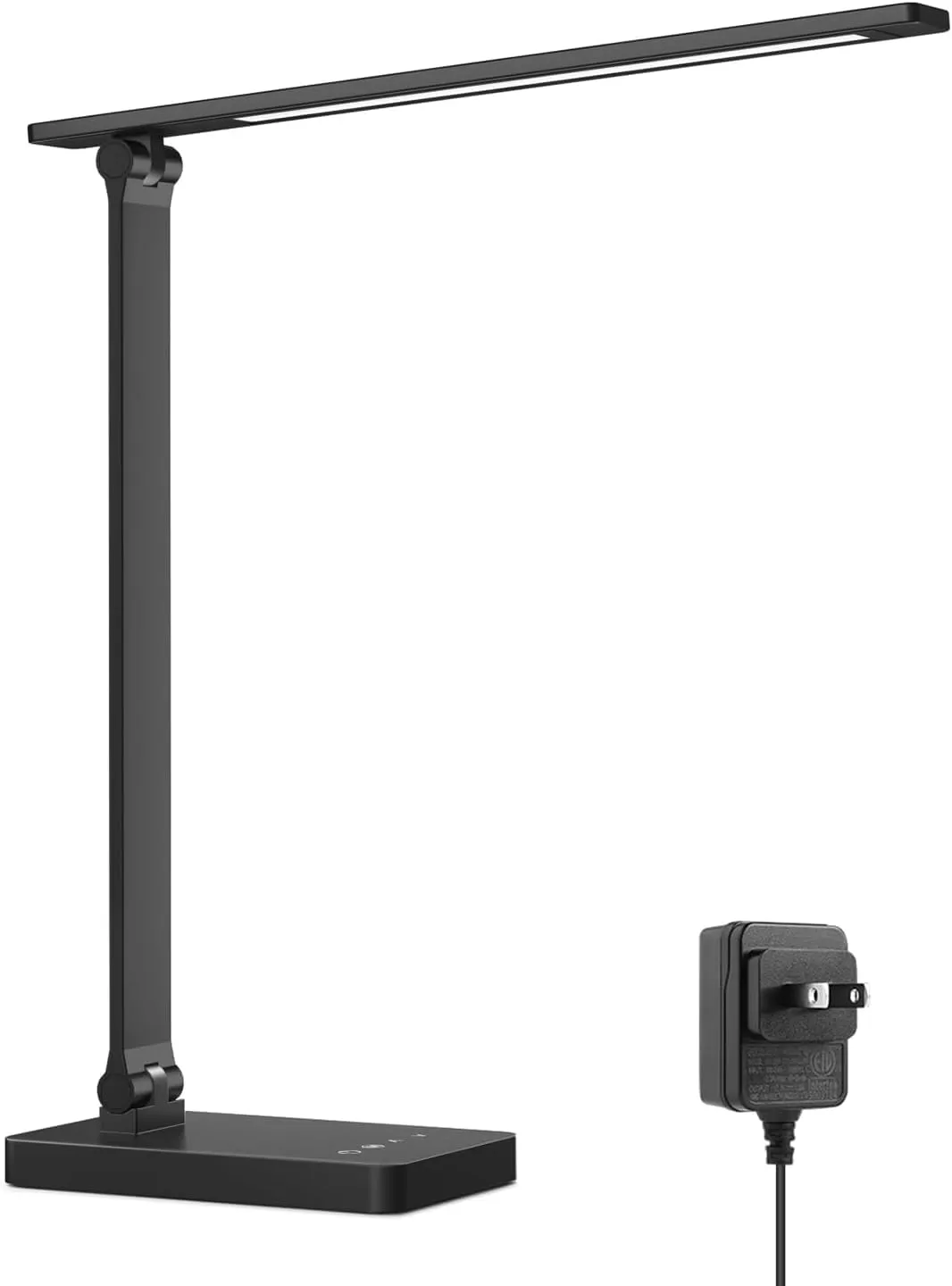
Monitor light bar vs desk lamp: BenQ ScreenBar Pro against a 750-lumen Lepro, for a home desk
A light bar sits on top of the monitor, lights the desk to 500 lux and puts nothing on the screen; a desk lamp sits on the desk, lights whatever you point it at, and costs a quarter as much. One takes no space and needs a monitor; the other takes a corner and works with a laptop. The right answer depends on what is on the desk, and this comparison uses the makers' own figures for both.
Guide · Home office
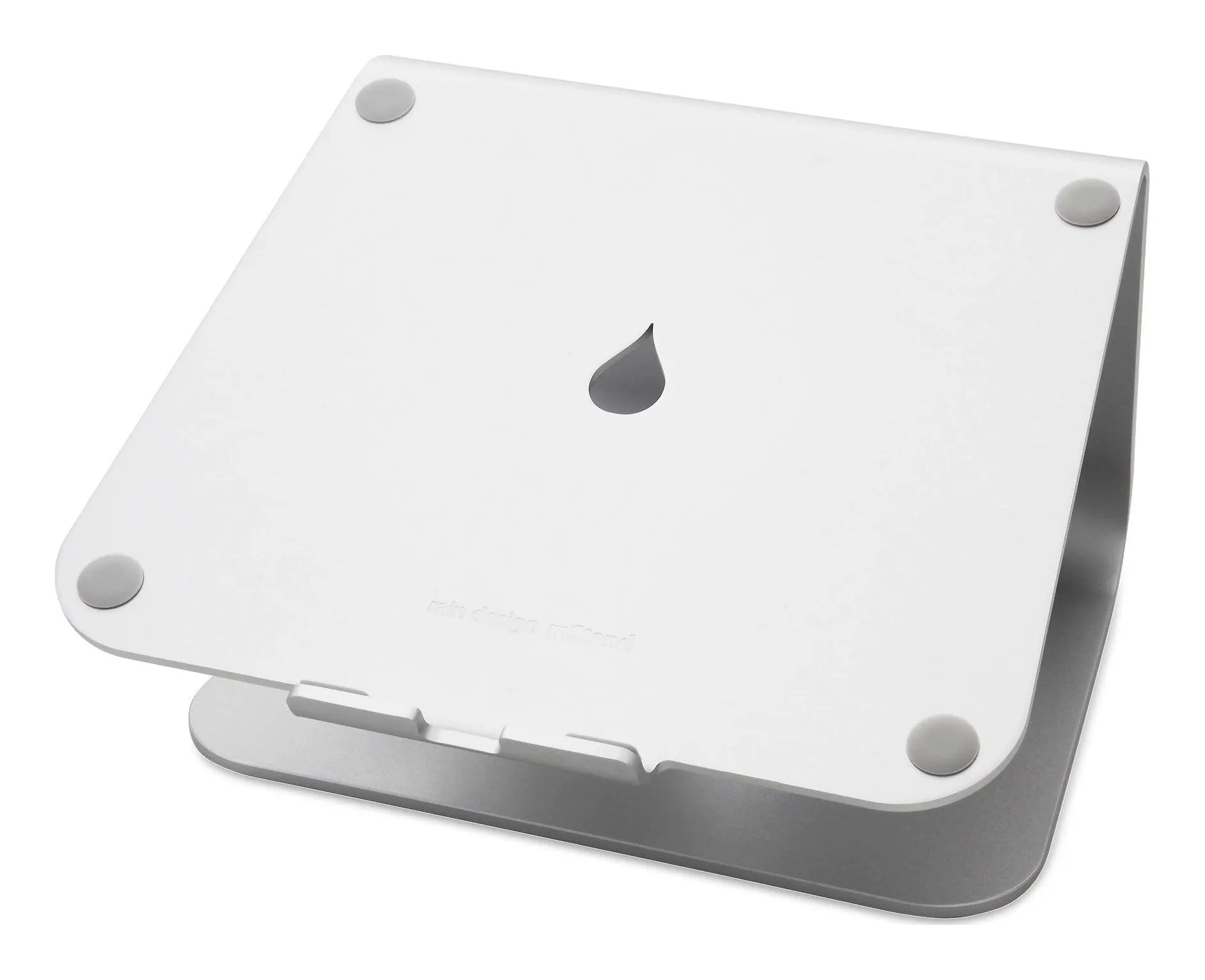
How to set up a small desk: screen height, light that does not glare, and where the keyboard goes
A small desk fails in a fixed order: the laptop screen is too low, so you hunch; the lamp is in the wrong place, so it glares; the keyboard has nowhere to go, so the stand comes off again. This guide fixes the three in order, with the measurements that matter and four products as worked examples — a fixed stand, a travel stand, a monitor bar and a clamp lamp that take no desk space.